
3D Studio Max Course Content

3ds Studio Max (For Interior / Architectural Designing) is a software that helps you to expand the visual context of your design concepts for a more effective design validation and visual communication. It offers digital continuity with AutoCAD-for design visualization workflow. With 3ds Max Design animation and visual effects software, you can:
- Explore design concepts—Create unique organic forms. Generate and control architectural forms procedurally with scripts, and explore your concept’s impact early in the design process.
- Validate design concepts—Put your design in context. Create animated walk-throughs, line-of-site studies, and physically-accurate daylight analysis, so you and your clients can better understand how the design functions.
- Communicate design concepts—Help customers make crucial decisions during design reviews and gain valuable buy-in at every stage.
Online 3D Studio Max Course Content
Phase I
Phase II
Phase III
Phase IV
Phase V
Phase VI
Phase VII
Phase VIII
Phase IX
Phase X
Phase XI
Phase XII
Phase XIII
Phase XIV
Phase I
- How To Open 3ds Max 6
- Introduction To 3ds Max
- Standard Primitives
- Box
- Cone
- Sphere
- Cylinder
- Tube
- Torus
- Pyramid
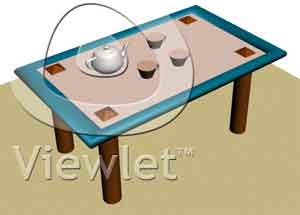
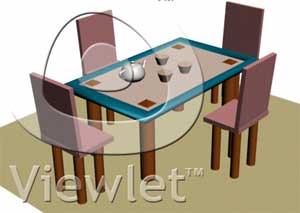
- Teapot
- Plane
Phase II
- Extended Primitives
- Hedra
- Torus Knot
- Chamfer Box
- Chamfer Cylinder
- Oil Tank
- Capsule
- Spindle
- L-Ext
- Gengon
- C-Ext
- Ringwave
- Hose
- Prism
Phase III
- Splines
- Line
- Rectangle
- Circle
- Circle Arc
- Donut
- Star
- Text
- Helix
- Section
Phase IV
- Modifier List
- Bend
- Bevel
- Extrude
- Cross Section
- FFD 2x2x2 / 3x3x3
- FFD 4x4x4
- Lathe
- Lattice
- Melt
- Mirror
- Morpher
- Noise
- Optimize
- Path Deform Binding
- Push
- Relax
- Ripple
- Skew
- Slice & Caps Hole
- Spherify
- Squeez
- Stretch
- Taper
- Tessellate
- Twist
- Wave
Phase V
- How To Animate Object
- How To Render The Object
- Linking
Phase VI
- Different Material
- Flat Mirror
- Material2
Phase VII
- Line Options
- Line options
- Line options 2
- Editable Mesh
- Exercise Plane
- Plane With Material
Phase VIII
- Miscellaneous design of Bangle using different settings
- Foliage
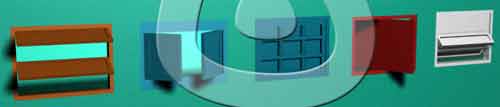
- Railing
- Wall
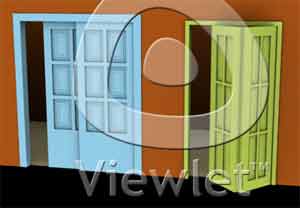
- Doors
- Stairs
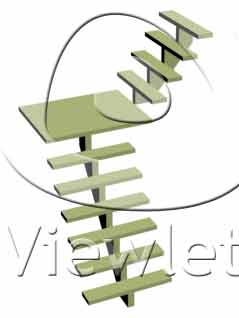
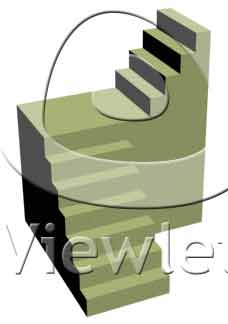
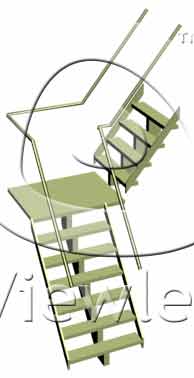
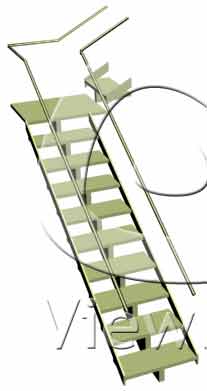
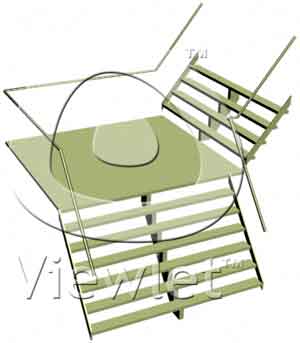
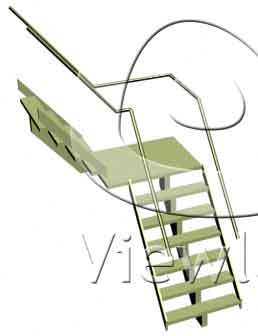
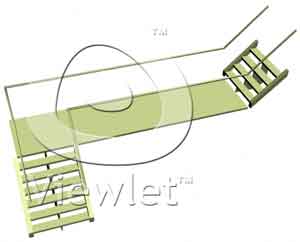
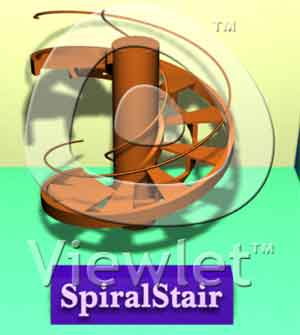
- Windows
Phase IX
- Blob Mesh
- Boolean
- Connect
- Loft
- Mesher
- Scatters
- Shape Merge
- Terrain
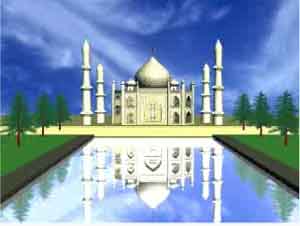
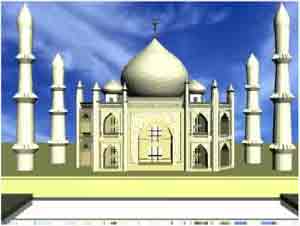
- Exercise
Phase X
- Lights
- Free spot
- Lens Effect
- Mr Area Omni
- Omni
- Skylight
- Target spots
- Volume light
Phase XI
- Deflector
- PDynaFlect
- UDeflector
- UomniFiect
- Particle System
- Blizzard
- PArray
- PCloud
- Snow
- Spray
- Super Spray
Phase XII
- Spring
- Dynamic Objects
- Fire
- Volume Fog
- Nurbs
- Glow - Video Post
- Brightness & Contrast
- Fade
- Lens Effect Flare
- Lens Effect Focus
- Lens Effect Highlight
- Negative
- Simple Wipe Effect
- Starfield
- Camera
- Dummy
- Bomb
Phase XIII
- Spring
- Dynamic Objects
- Fire
- Volume Fog
- Nurbs
- Glow - Video Post
- Brightness & Contrast
- Fade
- Lens Effect Flare
- Lens Effect Focus
- Lens Effect Highlight
- Negative
- Simple Wipe Effect
- Starfield
- Camera
- Dummy
- Bomb
Phase XIV
- Three Image
- Car References - Car_Modelling Part 1 - Part 22
- Acc
- Mirror
- Wifer
- Car Paint Part 1
- PCar Paint Part 2